

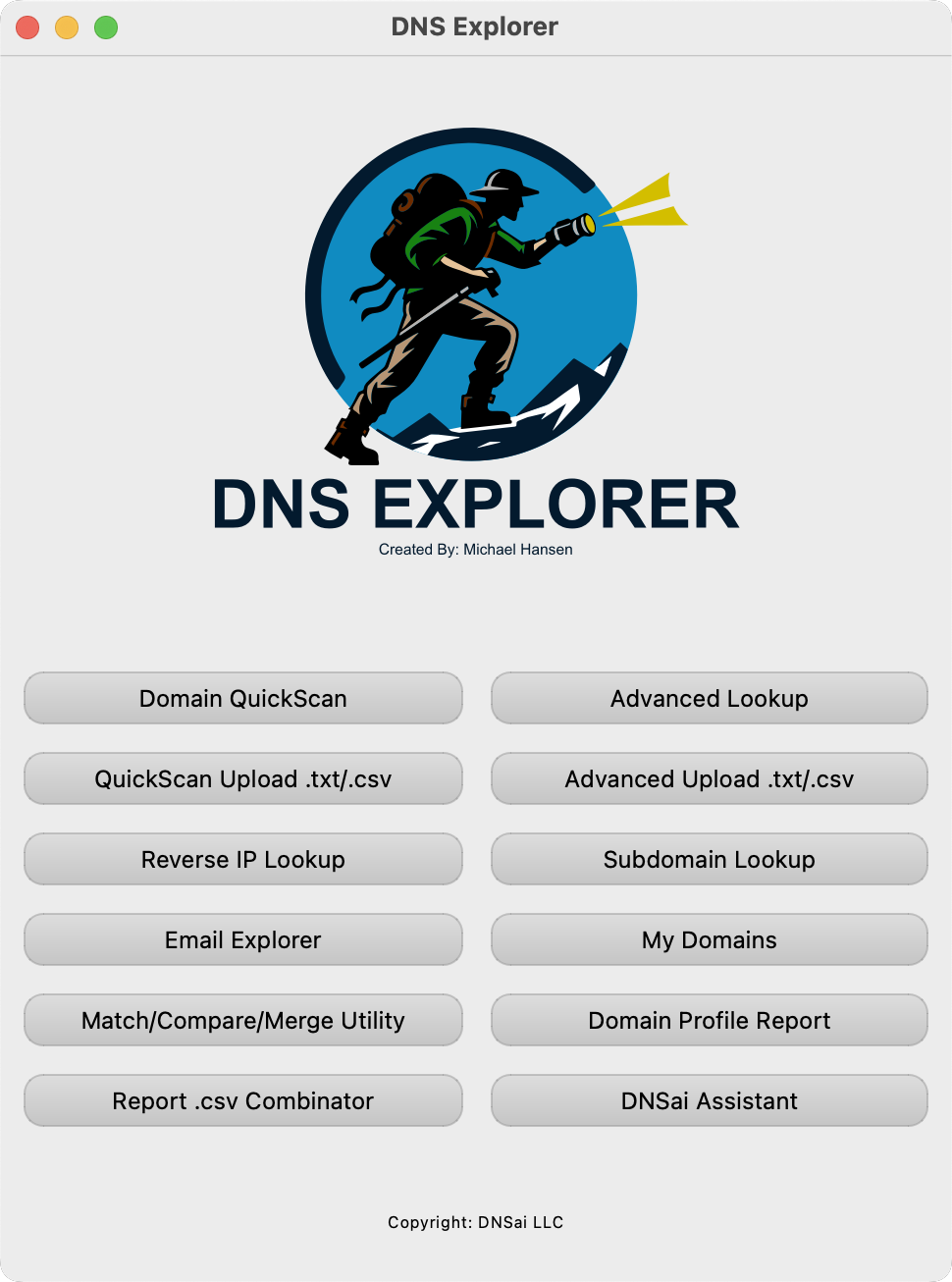
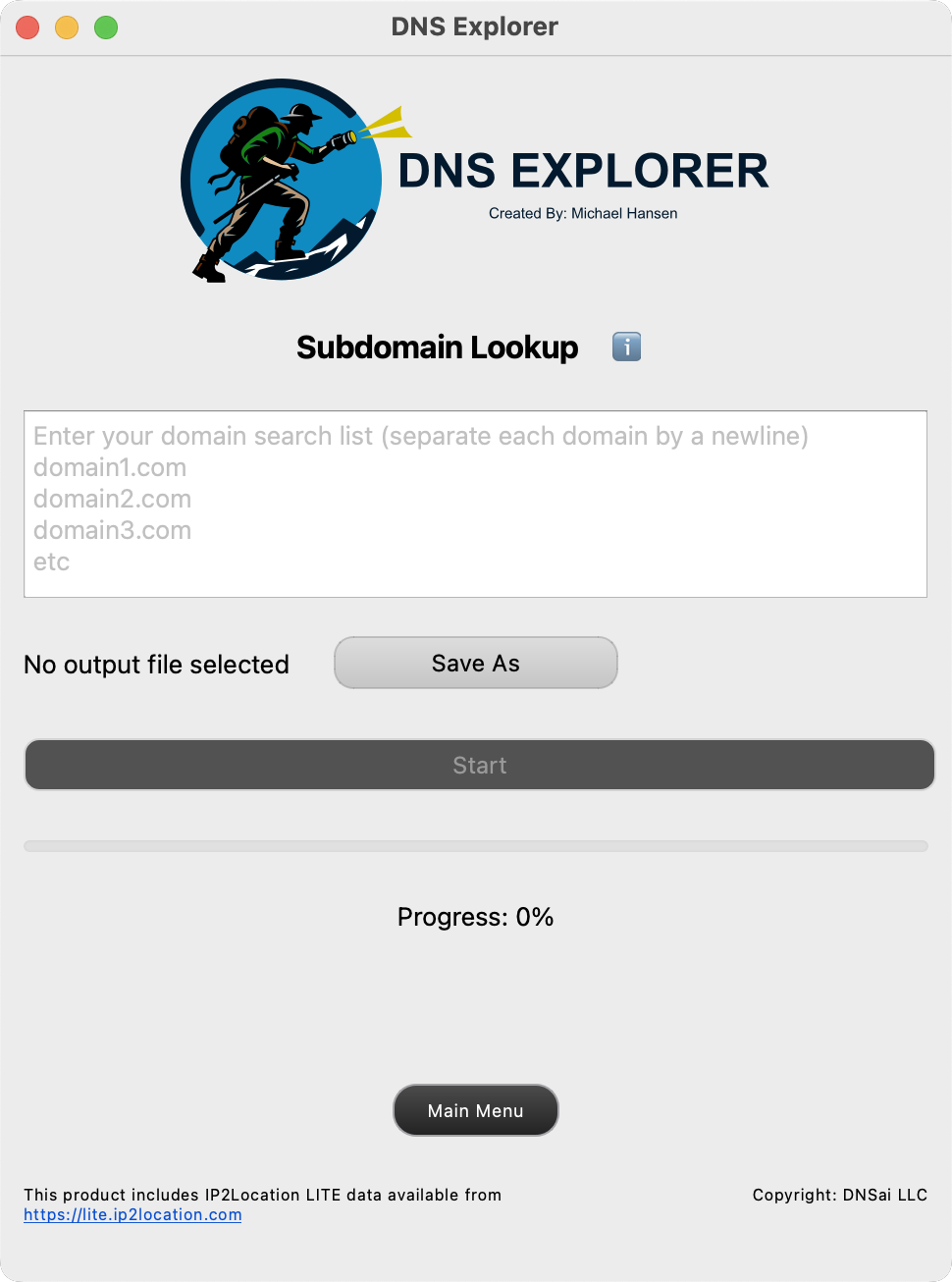
DNS Explorer is an enterprise-scale DNS intelligence and reporting tool. It performs high-volume, multi-record lookups across large domain lists and returns clean, analysis-ready output. Built for speed and scale, it can process hundreds of thousands of domains in a single batch for asset inventory, email authentication checks, and security reviews.
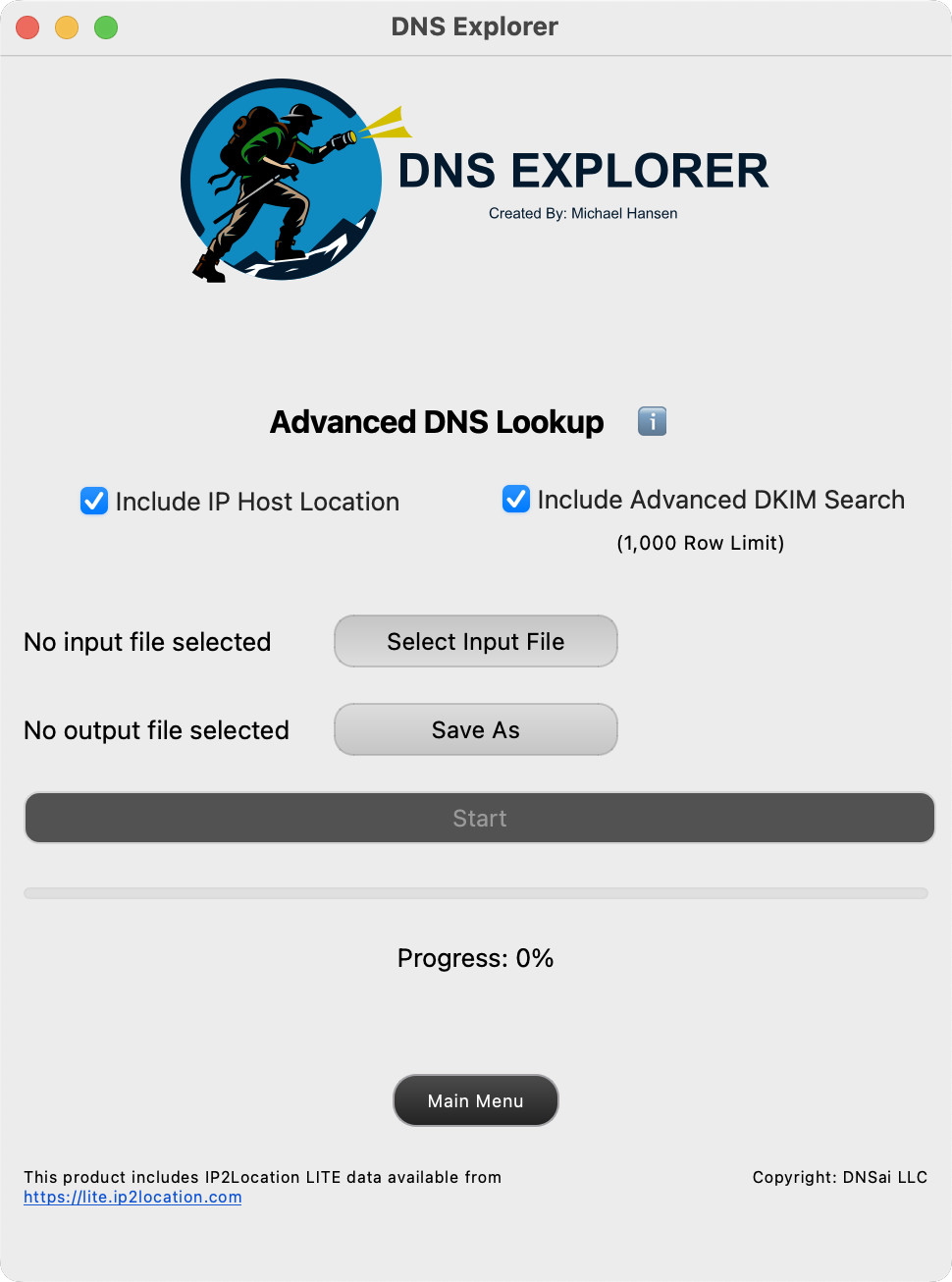
.txt or .csv with one domain per row, no header..csv; certain modules can also generate per-domain .pdf.If you hit errors, retry with a smaller batch and confirm domains are in simple form (example.com, not URLs). This app is maintained as a side project; support isn't guaranteed per Terms.
Designed for speed and volume. Paste or upload a large list of domains and produce a compact dataset of core DNS facts suitable for enrichment, filtering, and pivot analysis.
Output fields:
Timestamp, Domain, MX, Email Gateway, SPF, DMARC, TXT, A, NS, Technology Listed In DNS
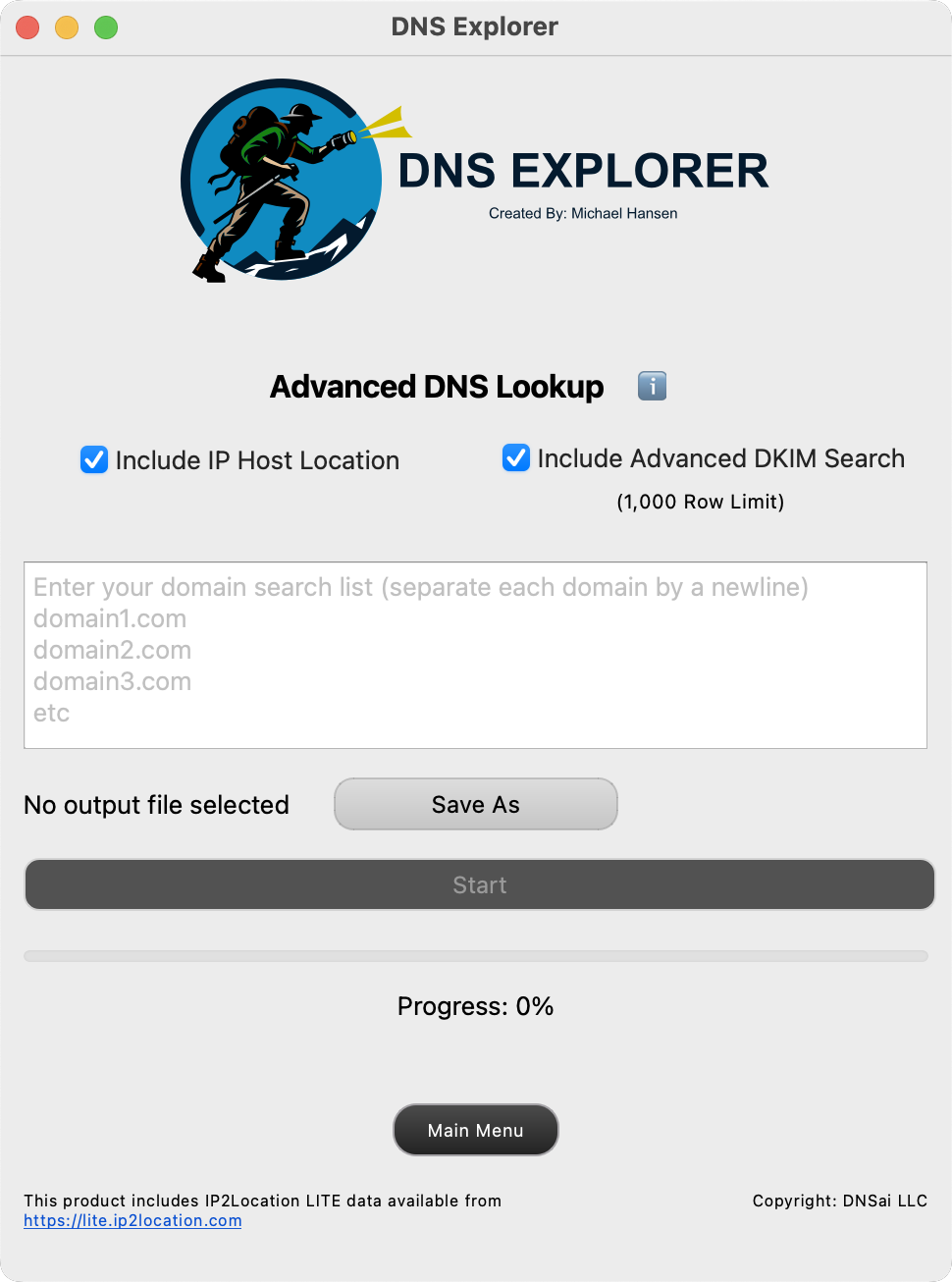
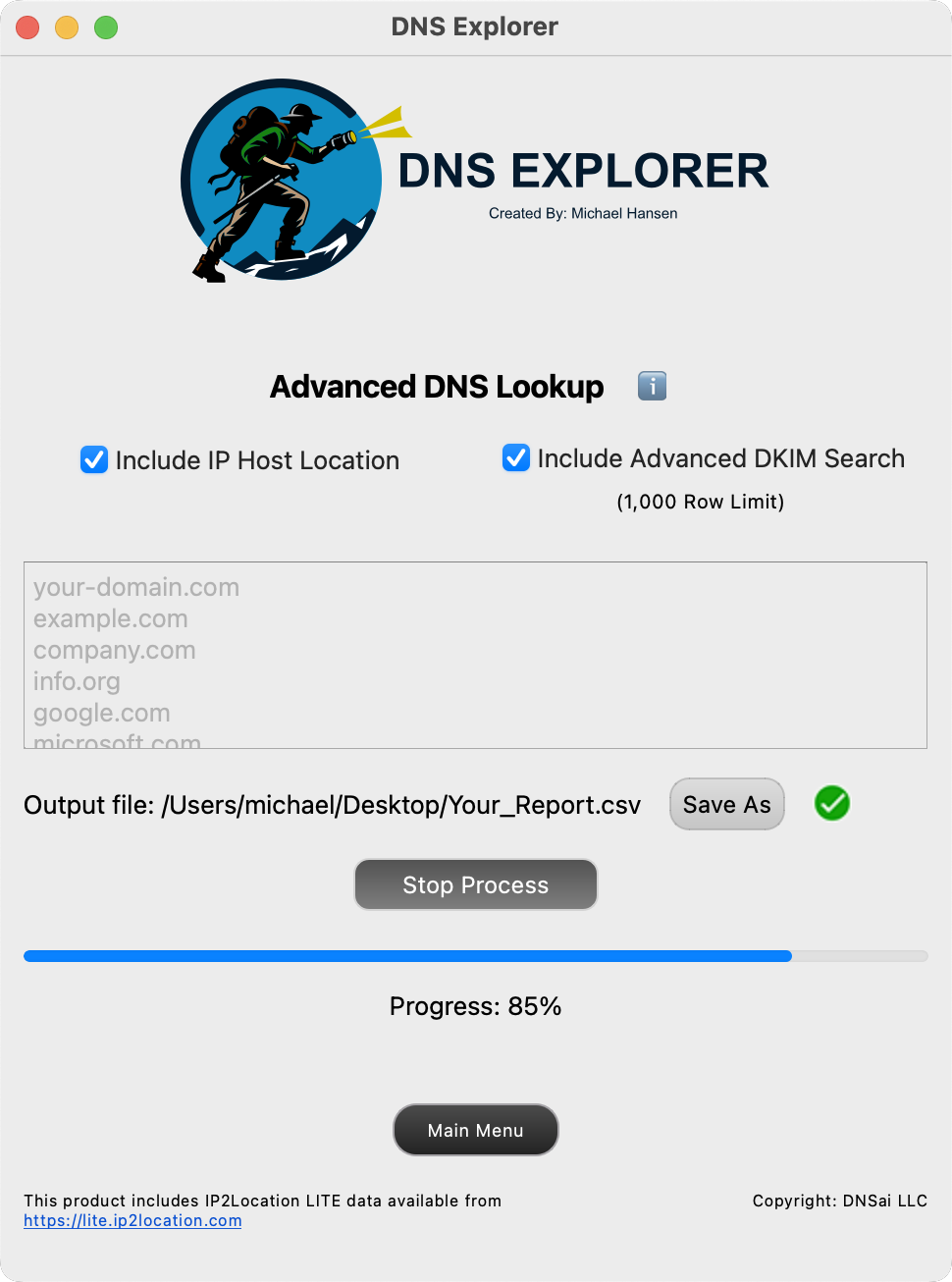
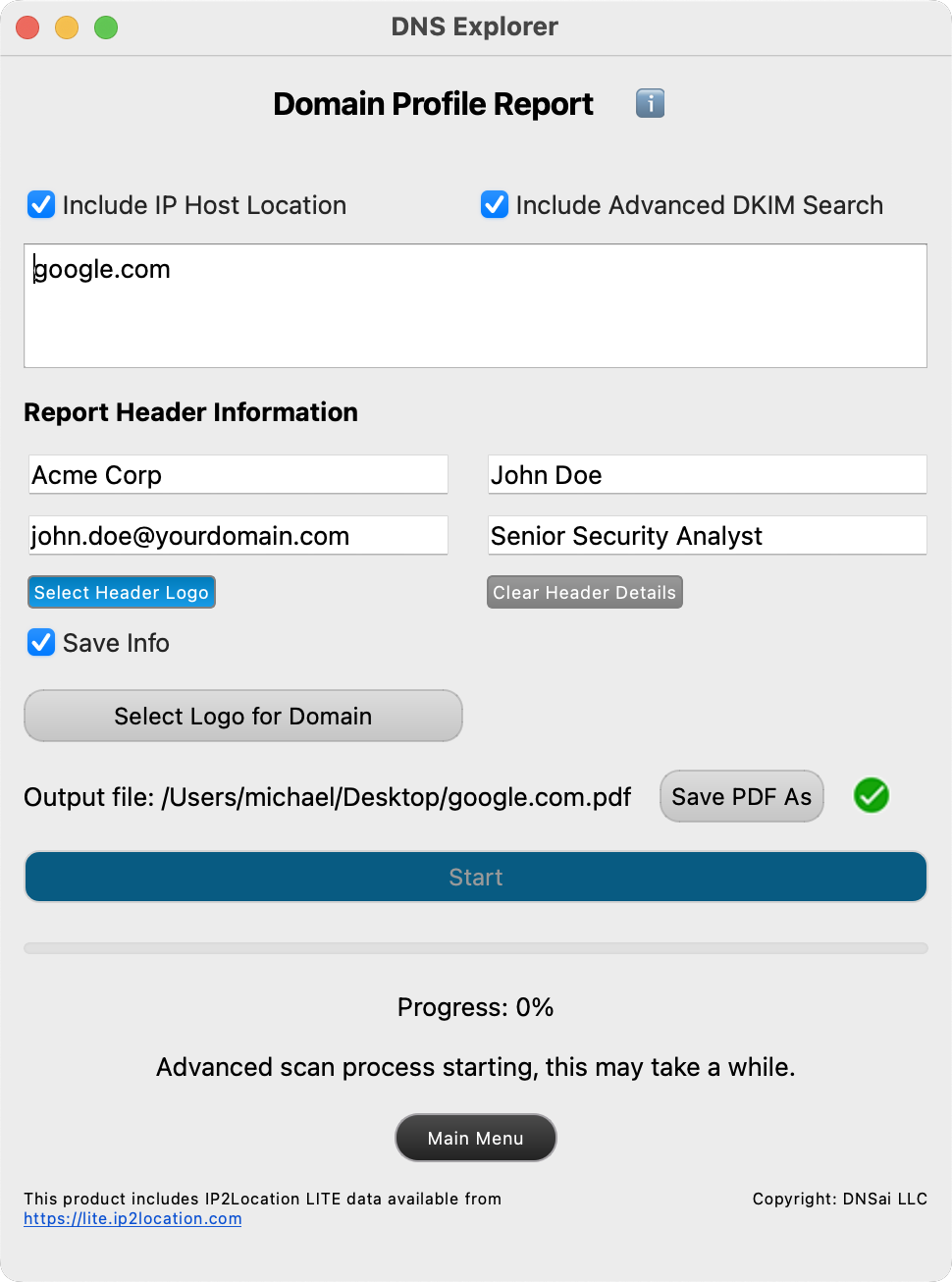
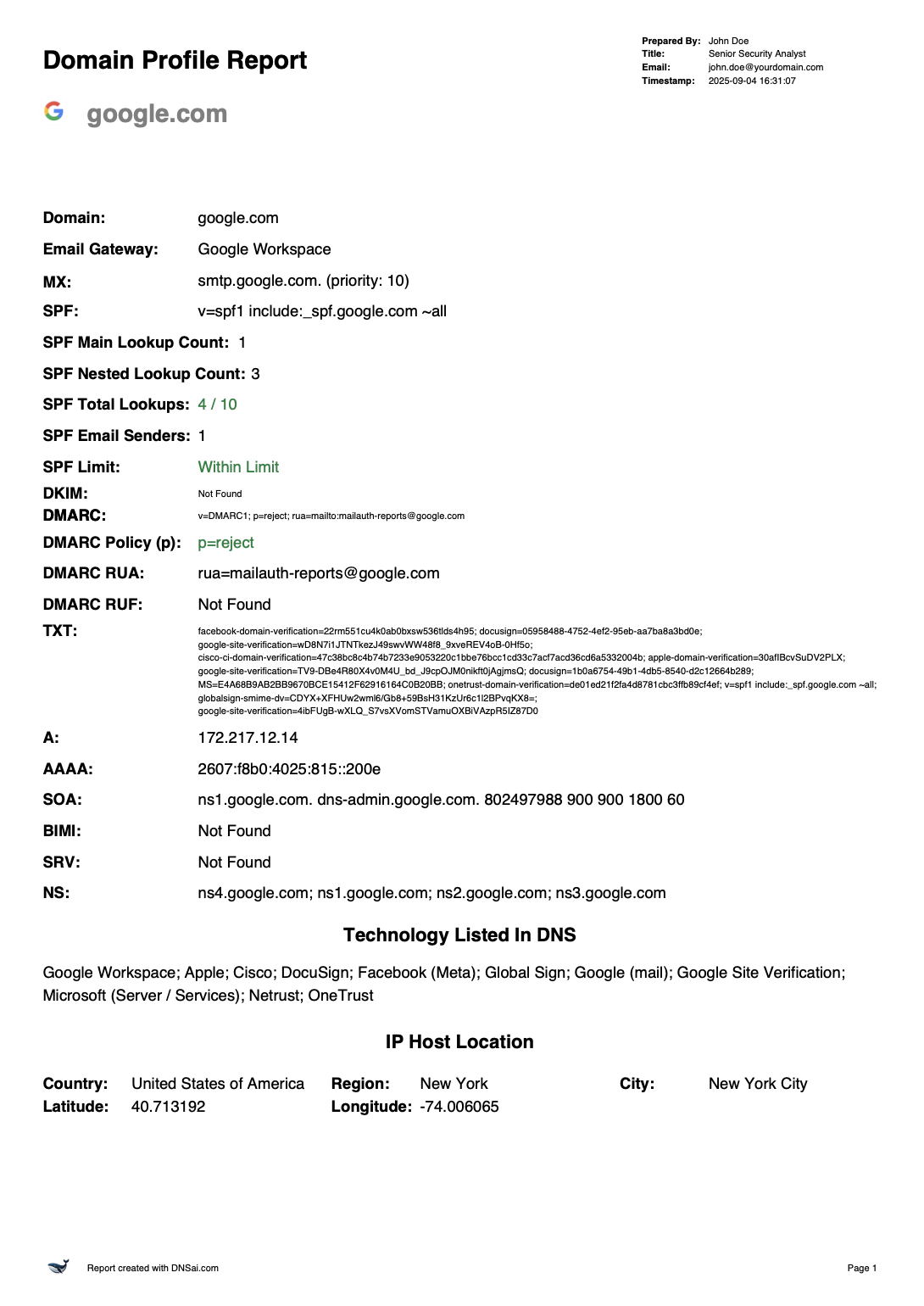
A deeper per-domain analysis that includes comprehensive DKIM discovery and IP geolocation. It takes longer than QuickScan but returns richer context for security and compliance reviews.
Output fields:
Timestamp, Domain, MX, Email Gateway, SPF, SPF Main Lookup Count, SPF Nested Lookup Count, SPF Total Lookups, SPF Email Senders, SPF Limit, DKIM Hosts, DKIM Selectors, DKIM, DMARC, DMARC Policy (p), DMARC RUA, DMARC RUF, TXT, A, AAAA, SOA, BIMI, SRV, NS, Technology Listed In DNS, City, Region, Country, Latitude, Longitude
Input example (IPv4):
3.163.165.128
3.163.165.90
3.163.165.64
3.163.165.66
Typical output includes: IP Address, mx_records, PTR Hostname, host_domain_name, registrar, whois_server, updated_date, name_servers, status, emails, dnssec, name, org, address, city, region, country, latitude, longitude. Some targets may not yield data due to provider or network security policies.
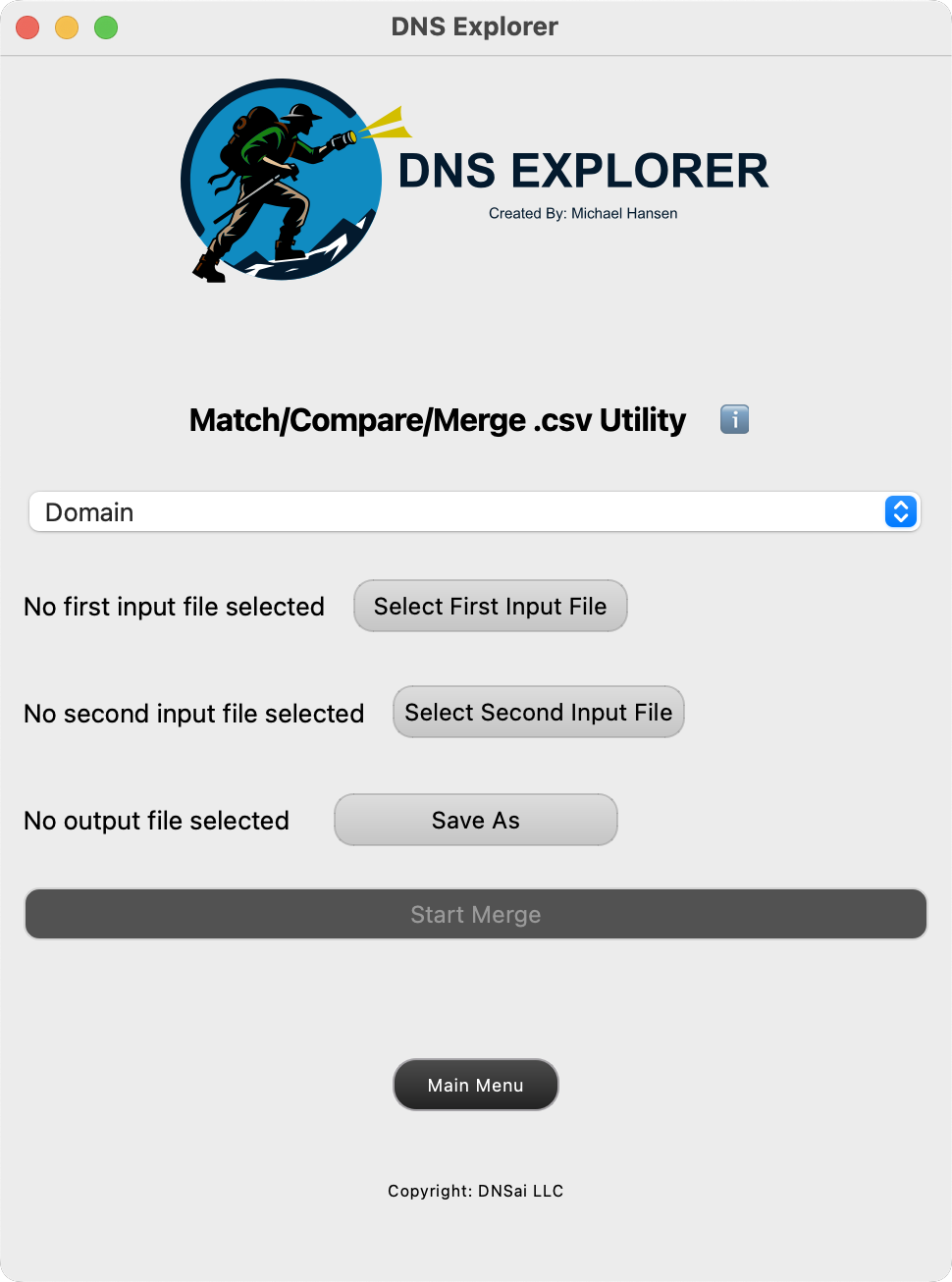
.csv or .txt with email addresses; set an output destination.Save domain sets you query regularly and include known DKIM selectors such as:
selector1._domainkeyselector2._domainkeygoogle._domainkeycustom._domainkeyDNS Explorer is available for macOS and Windows 11 with a 14-day free trial. After the trial period, continue with a monthly subscription at $30/month or save with an annual plan at $300/year.
Ready to process domain data at enterprise scale? Learn more about DNS Explorer's capabilities and subscription options:
Already a subscriber? Manage your account or download the latest version from the Download Center.