The DNSai Platform: Full Walkthrough
Chapters
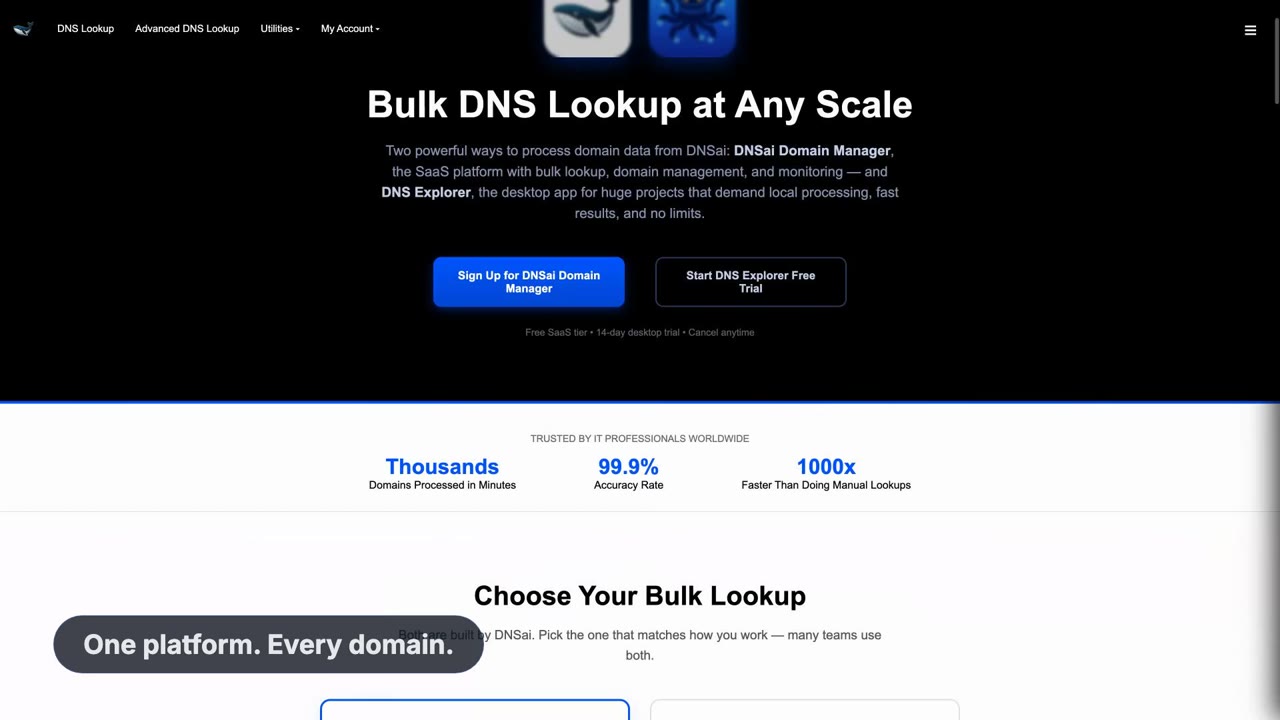
This is the long version — the full tour of what DNSai does, from a single domain lookup through to portfolio-wide DNS and email-security intelligence. If you only watch one video, watch this one; the shorter clips are extracts of the ground it covers.
What you'll take away
- Advanced Lookup: every record type for a domain in one pass, not one query at a time.
- The Domain Manager dashboard: portfolio-wide DNS and email-security posture.
- Change tracking: what moved in a domain's DNS, and when.
- Technology and geolocation analysis: what a company runs and where it is hosted.
- How the single-domain tools and the portfolio platform fit together.
Chapter 1 — Advanced DNS Lookup
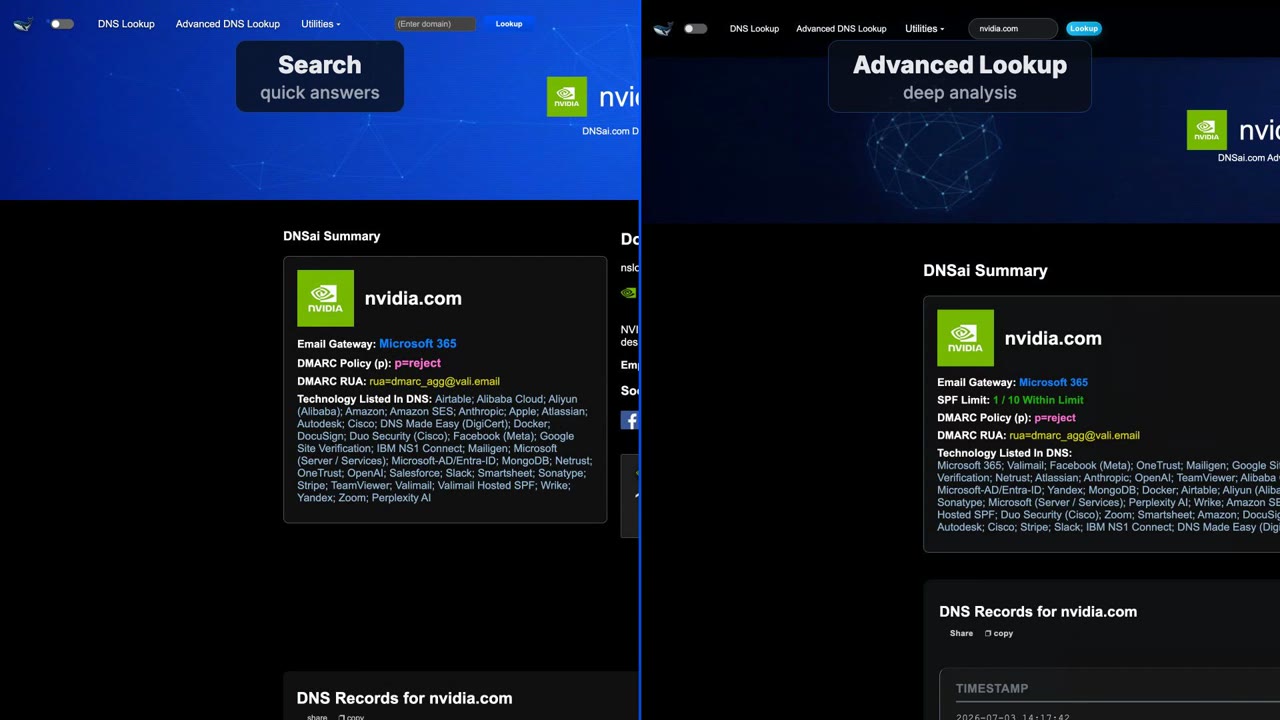
The walkthrough opens on a single domain. Advanced Lookup resolves the full record set in one pass — A and AAAA, MX, TXT, NS, SOA, CAA, DNSKEY and the rest — instead of making you run a query per record type and assemble the answer yourself.
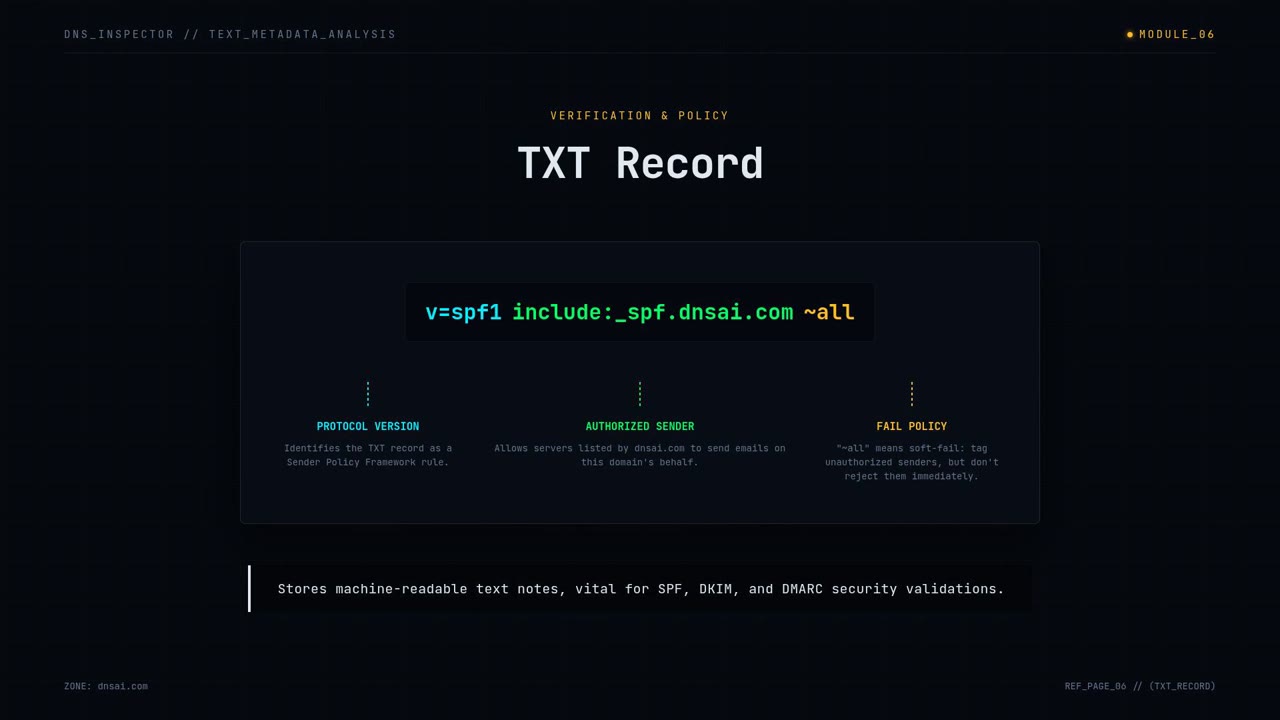
The same view pulls in the email-security records specifically: SPF with its includes resolved, DKIM selectors that answer, and the DMARC policy. That is the difference between "here are some TXT records" and "here is whether this domain's mail can be forged".
Chapter 2 — The enterprise platform
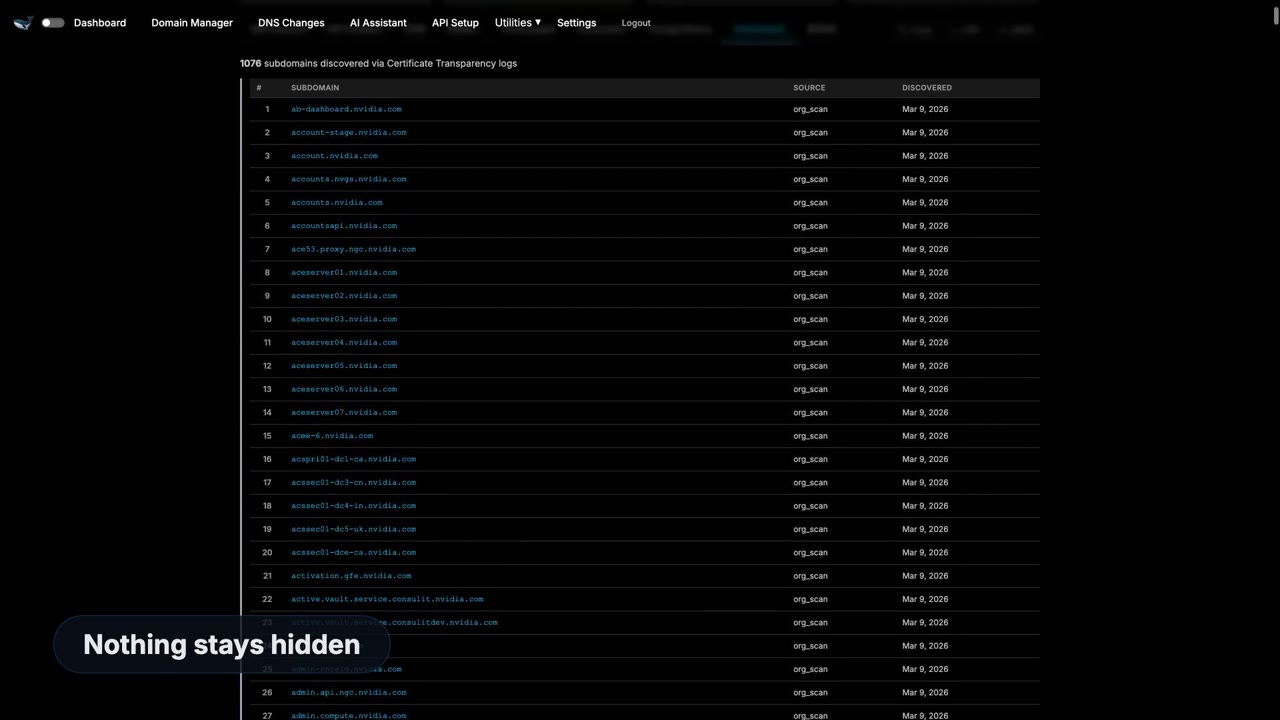
From there the tour moves to the Domain Manager, where the same analysis runs across a whole portfolio. The value is not the individual lookup, which any resolver can do — it is the comparison across hundreds of domains, and the ability to sort by what is broken.
Change tracking sits behind that view. DNS is not static: nameservers move, SPF records get edited, a DMARC policy quietly drops back to p=none during a migration and nobody notices. A tracked portfolio records those changes instead of showing only the current state.
Chapter 3 — Technologies and geolocation
The final section covers the inference layer: reading a company's public DNS and HTTP surface to identify the platforms it runs — mail provider, CDN, hosting, website platform — and where those endpoints are physically located.
For competitive research, vendor due diligence and OSINT work, this is often the fastest route to an accurate picture of someone's stack, because it is built from what they publish rather than what they claim.
Questions
- How long is the walkthrough?
- Six minutes and twelve seconds. The player has chapter markers on the Media Center page so you can jump to a section.
- Is there a shorter version?
- Yes — "DNSai in 40 Seconds" is the quick introduction, and "Domain Manager in Two Minutes" covers the dashboard on its own.
Try what's in the video
More DNSai videos

← Back to the Media CenterAll videos, guides and brand resources