Domain Manager in Two Minutes
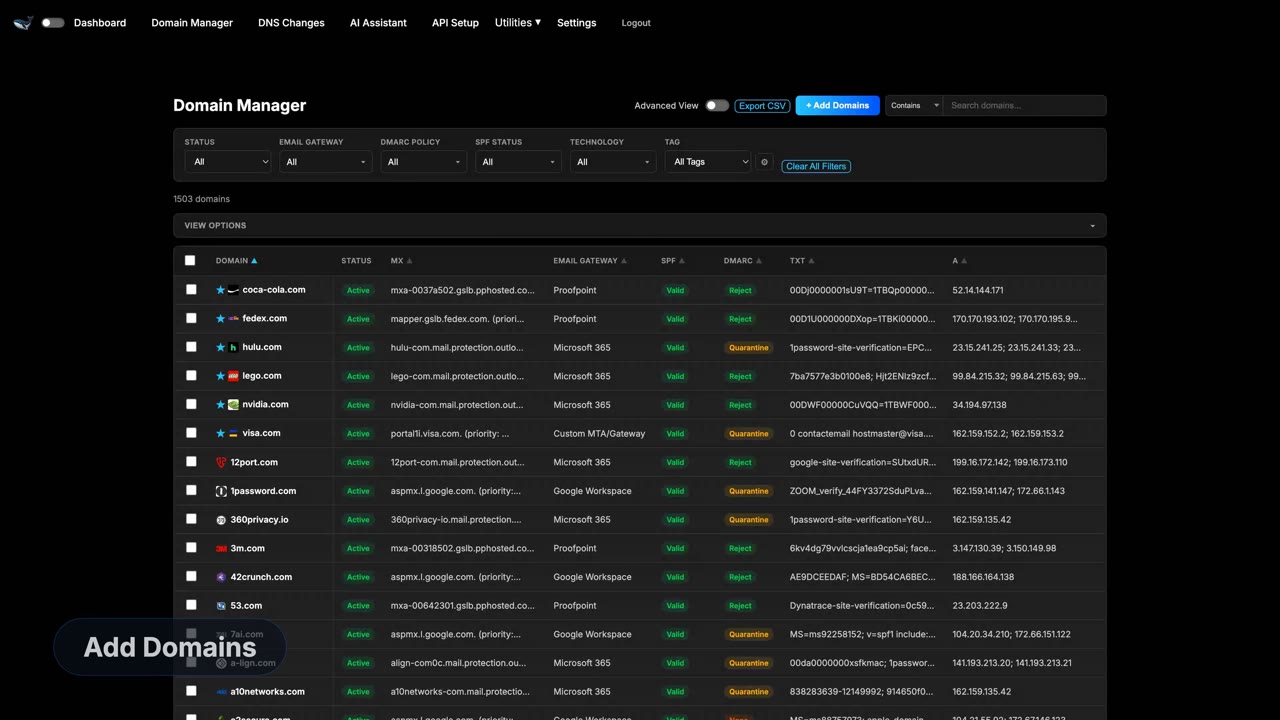
Most teams find out a domain's email authentication is broken the same way — someone reports a message that never arrived, or a spoofed invoice lands in a customer's inbox. This two-minute overview shows the alternative: every domain you own on one screen, with its mail gateway, its DMARC policy and its SPF/DKIM/DMARC status visible at a glance.
What you'll take away
- Every domain in the portfolio on a single dashboard, rather than one lookup at a time.
- Detected email gateway per domain — who actually handles the mail, read from live MX records.
- DMARC policy shown as it is published: none, quarantine or reject.
- SPF, DKIM and DMARC health scored per domain so gaps sort to the top.
- Built for portfolios: the same checks run across hundreds or thousands of names.
What the Domain Manager actually shows
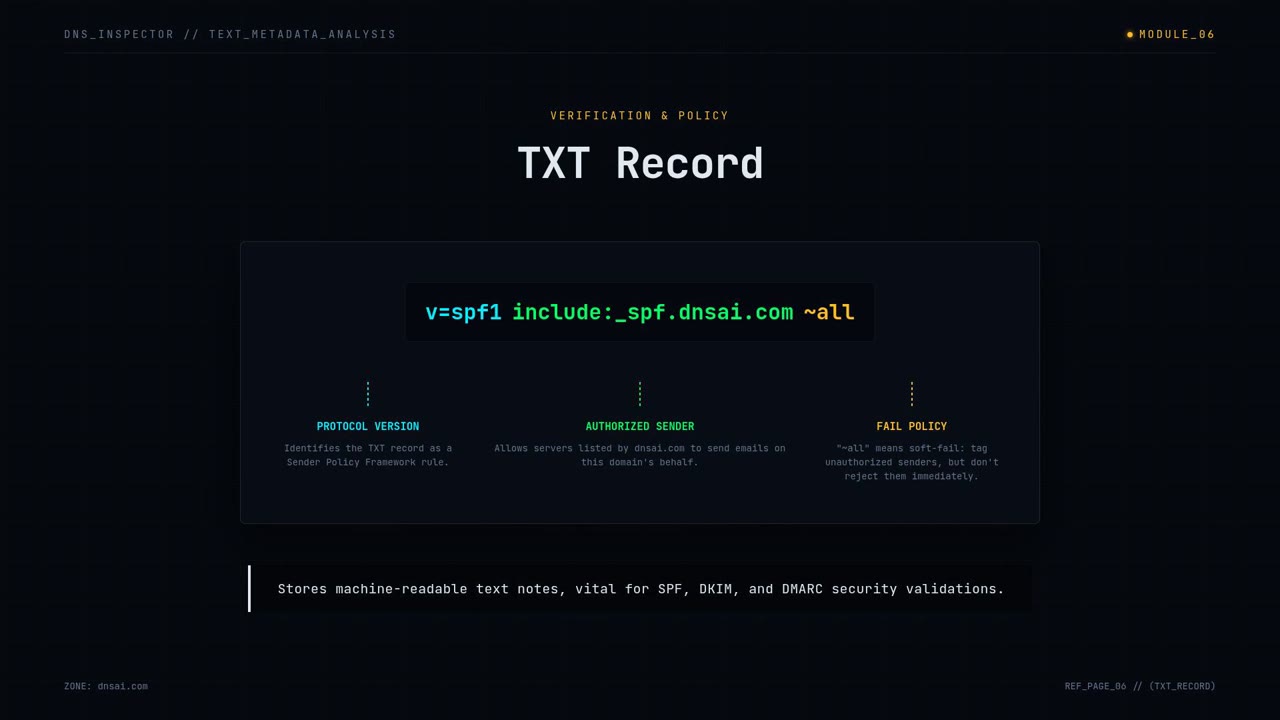
The dashboard resolves each domain in your portfolio and reads the records that decide whether its mail can be trusted. For every name you get the MX records and the email gateway they point at, the published SPF record, whether a DKIM selector answers, and the DMARC record with its policy and reporting addresses.
That turns a question that normally takes a handful of command-line lookups per domain into a sortable list. Domains with no DMARC record, or with p=none, sit alongside the ones already at p=reject, so the work queue writes itself.
Why the gateway column matters
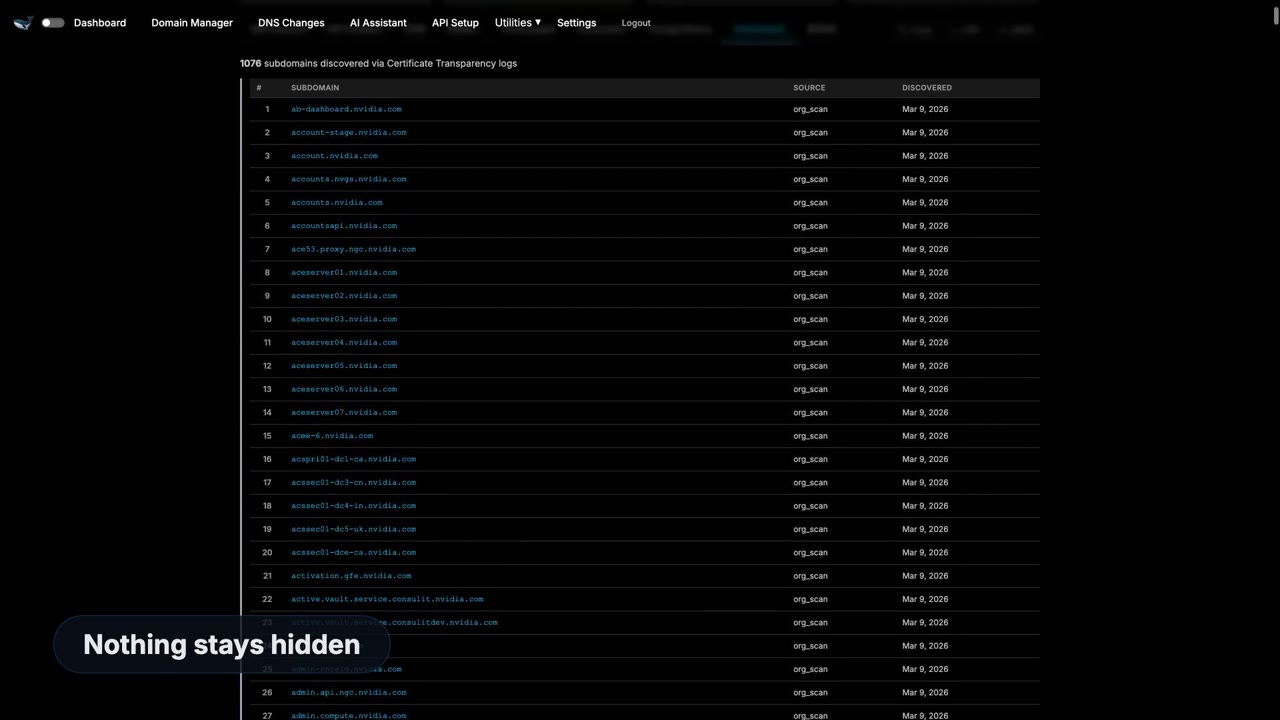
Knowing which provider handles a domain's mail — Microsoft 365, Google Workspace, Proofpoint, Mimecast, or a self-hosted server — tells you which SPF include belongs in the record and which DKIM selectors to expect. It also surfaces the domains nobody remembered were still routing mail, which are the ones most likely to be spoofed.
Parked and redirect-only domains show up too. A domain with no mail service still needs a null SPF record and a DMARC reject policy, or it remains a usable return address for a phishing campaign.
From one lookup to a portfolio
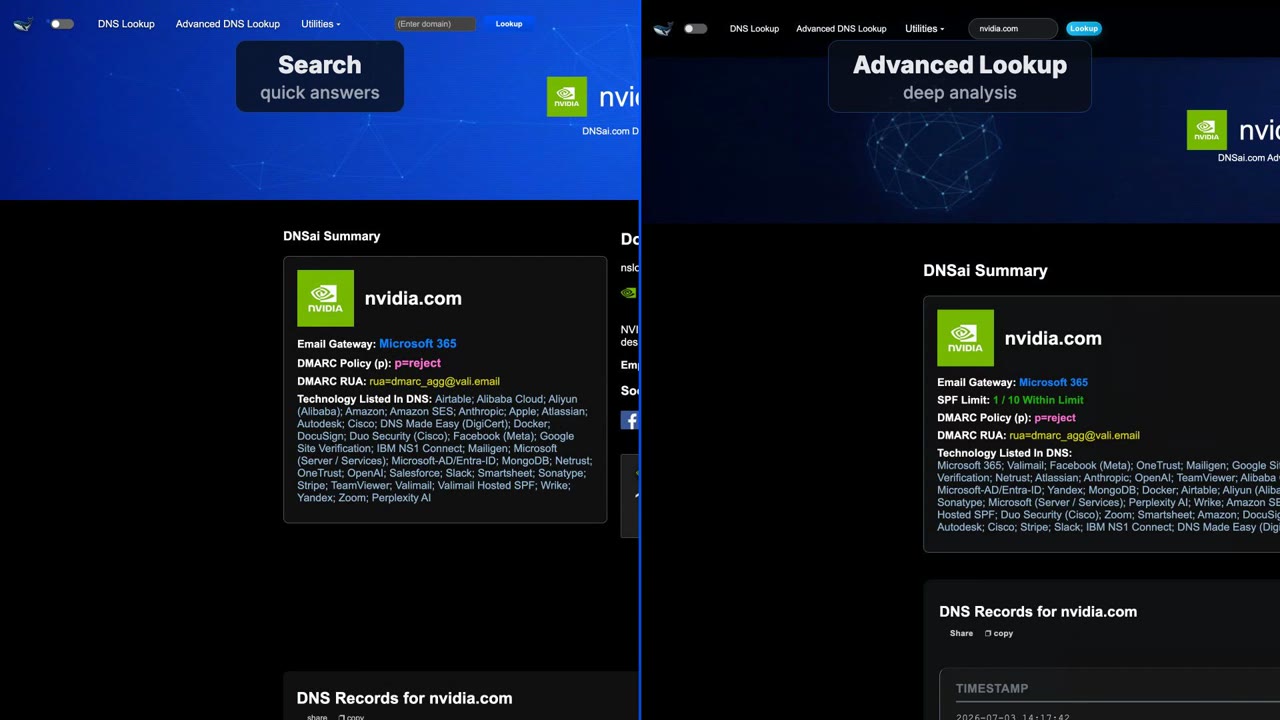
A single-domain check answers "is this one configured correctly". A portfolio view answers the question that actually gets asked in a board meeting or an audit: what proportion of our domains enforce DMARC, and which ones do not. The video walks through that shift — the same underlying DNS queries, run across everything at once and kept current.
Questions
- How long is the video?
- Two minutes and fifteen seconds.
- Does the Domain Manager change my DNS records?
- No. It reads public DNS and reports what is published. Any record changes are made at your DNS provider.
- How many domains can it track?
- It is designed for portfolios rather than single lookups — the same checks run across hundreds or thousands of domains.
Try what's in the video
More DNSai videos

← Back to the Media CenterAll videos, guides and brand resources